Image Toolbox APK v4.1.0-foss · Latest Version for Android
Image Toolbox is an all-in-one photo editor and converter: resize, compress, crop, remove backgrounds, apply 300+ filters and edit EXIF data.
- Version
- 4.1.0-foss
- Updated
- Sep 3, 2026
- Size
- 183 MB
- Requires
- Android 7.0+
- Developer
- Malik Mukhametzyanov
- Category
- Photography
- License
- Apache-2.0
- Package
- ru.tech.imageresizershrinker
Screenshots
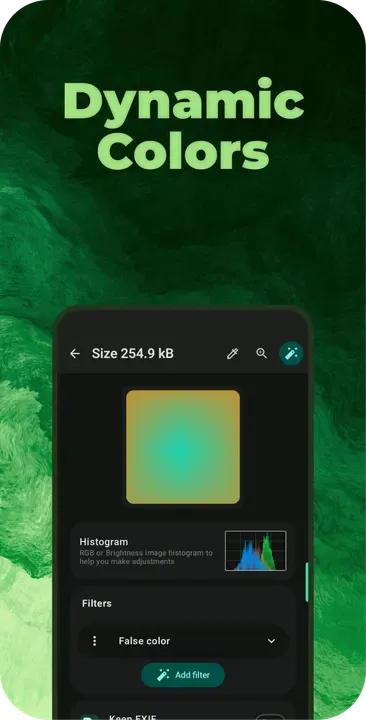
What is Image Toolbox?
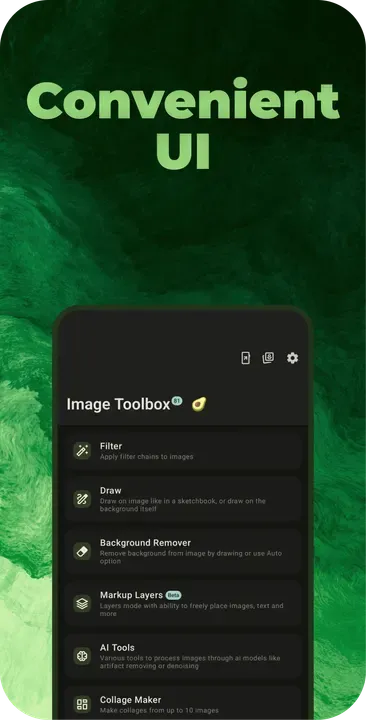
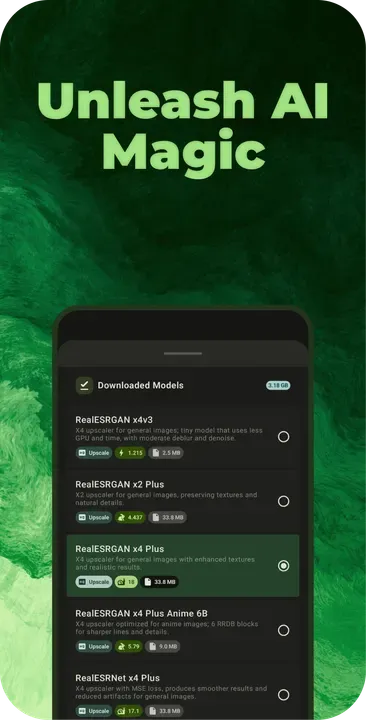
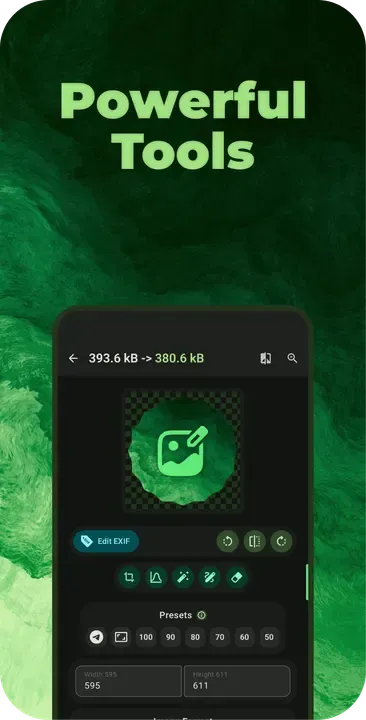
Image Toolbox packs dozens of image tools into one ad-free app. You can resize and compress photos in batches, convert between formats, remove backgrounds, draw on images and clean up EXIF metadata before sharing. Newer versions also include on-device AI models for upscaling and noise removal.
Key Features
- Batch resize, compress and convert (JPG, PNG, WebP, AVIF, HEIC and more)
- 300+ filters and custom filter chains
- Background removal, drawing and markup tools
- EXIF viewing, editing and removal
- On-device AI upscaling and denoising
Getting Started
It is useful for anyone who regularly needs to shrink photos for email, prepare images for a website or strip location data before posting. Pick a tool from the main screen, select one or many images, adjust the settings and save.
Open Source and Privacy
Image Toolbox is developed in the open by Malik Mukhametzyanov and released under the Apache-2.0 license. The code is hosted at github.com/T8RIN/ImageToolbox, so anyone can check what the app does. The version on this page has no ads or tracking libraries flagged by F-Droid.
How to Install Image Toolbox APK
- Tap Download and get the Image Toolbox v4.1.0-foss APK (183 MB).
- Optional: compare the file’s SHA-256 checksum with the one on the download page.
- Open the file and allow your browser or file manager to install unknown apps if asked.
- Tap Install. Updates from the same source install over this one and keep your data, because they are signed with the same key.
Frequently Asked Questions
Is Image Toolbox free?
Yes. Image Toolbox is free and open-source software released under the Apache-2.0 license. It has no ads and no paid version is required to use it.
Is this Image Toolbox APK safe?
The APK on this page is the original file published in the F-Droid repository, unmodified. Its SHA-256 checksum is listed on the download page so you can verify it, and the full source code is public.
What Android version does Image Toolbox need?
Image Toolbox v4.1.0-foss requires Android 7.0 or newer.
Where can I find the source code of Image Toolbox?
The source code is available at https://github.com/T8RIN/ImageToolbox. You can read it, report issues or contribute there.


