
MIFARE Classic Tool APK v4.3.1 · Latest Version for Android
MIFARE Classic Tool reads, writes and analyzes MIFARE Classic NFC tags on Android, with key dictionaries, dump editing and tag cloning.
- Version
- 4.3.1
- Updated
- Jan 26, 2026
- Size
- 3.8 MB
- Requires
- Android 4.4+
- Developer
- IKARUS Projects
- Category
- Tools
- License
- GPL-3.0
- Package
- de.syss.MifareClassicTool
Screenshots
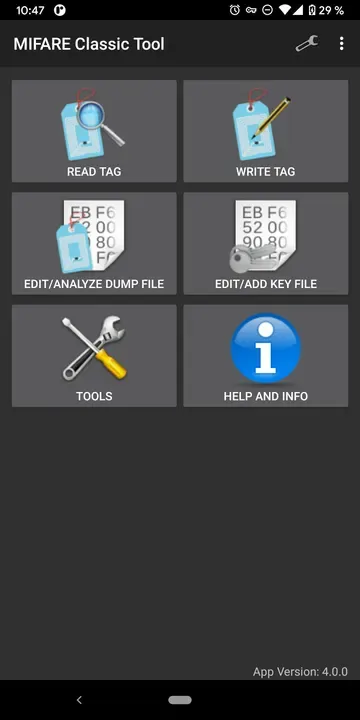
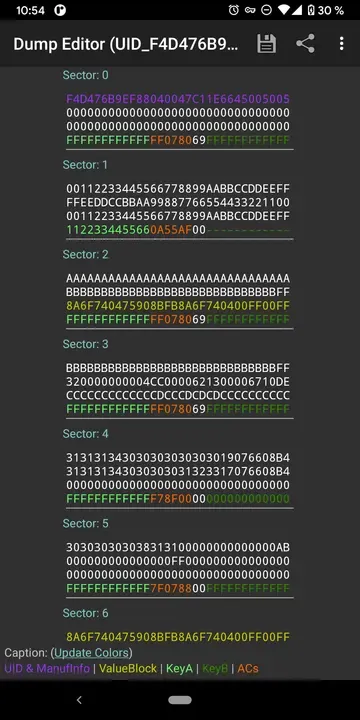
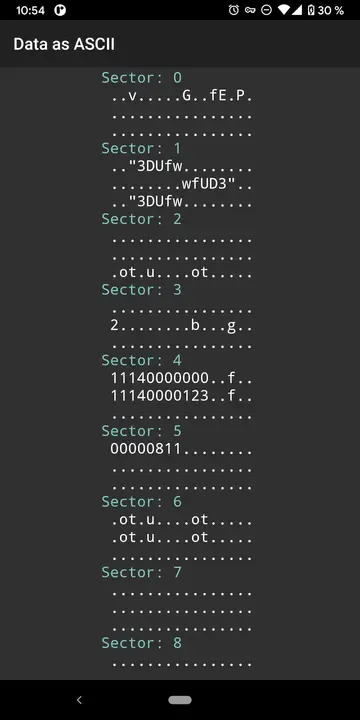
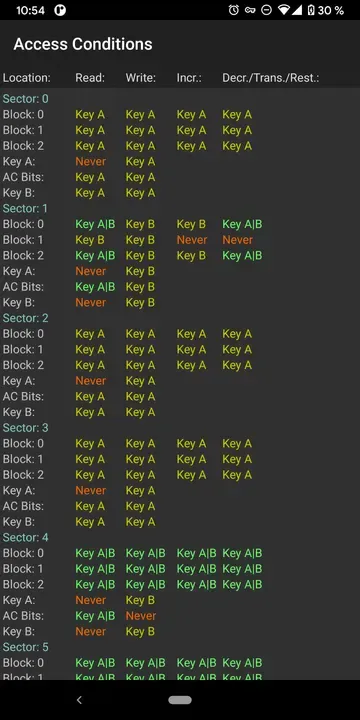
What's New in v4.3.1
- Target Android SDK 35.
- Fixed one possible crash.
What is MIFARE Classic Tool?
MIFARE Classic Tool (MCT) is a low-level NFC app for working with MIFARE Classic RFID tags. It is used by hobbyists, students and security researchers to read and inspect tag data, edit dumps and write data to compatible tags.
Key Features
- Read and save MIFARE Classic tag data
- Key dictionaries for authentication
- Edit, compare and share dumps
- Write and clone data to compatible tags
- Format tags to factory state
Getting Started
Your phone needs NFC hardware that supports MIFARE Classic (not all do). Only use the app with tags you own or are authorised to test.
Open Source and Privacy
MIFARE Classic Tool is developed in the open by IKARUS Projects and released under the GPL-3.0 license. The code is hosted at github.com/ikarus23/MifareClassicTool, so anyone can check what the app does. The version on this page has no ads or tracking libraries flagged by F-Droid.
How to Install MIFARE Classic Tool APK
- Tap Download and get the MIFARE Classic Tool v4.3.1 APK (3.8 MB).
- Optional: compare the file’s SHA-256 checksum with the one on the download page.
- Open the file and allow your browser or file manager to install unknown apps if asked.
- Tap Install. Updates from the same source install over this one and keep your data, because they are signed with the same key.
Frequently Asked Questions
Is MIFARE Classic Tool free?
Yes. MIFARE Classic Tool is free and open-source software released under the GPL-3.0 license. It has no ads and no paid version is required to use it.
Is this MIFARE Classic Tool APK safe?
The APK on this page is the original file published in the F-Droid repository, unmodified. Its SHA-256 checksum is listed on the download page so you can verify it, and the full source code is public.
What Android version does MIFARE Classic Tool need?
MIFARE Classic Tool v4.3.1 requires Android 4.4 or newer.
Where can I find the source code of MIFARE Classic Tool?
The source code is available at https://github.com/ikarus23/MifareClassicTool. You can read it, report issues or contribute there.


