
Amaze File Manager APK v3.11.4 · Latest Version for Android
Amaze File Manager is a light, open-source file manager with tabs, root explorer, archive support, AES encryption and FTP/SMB access.
- Version
- 3.11.4
- Updated
- Oct 18, 2026
- Size
- 12 MB
- Requires
- Android 6.0+
- Developer
- Team Amaze
- Category
- Tools
- License
- GPL-3.0+
- Package
- com.amaze.filemanager
Screenshots
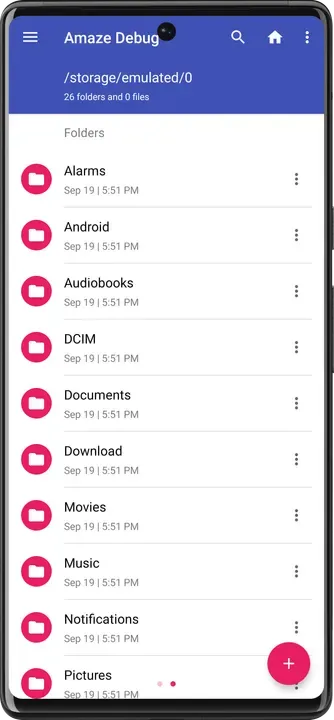
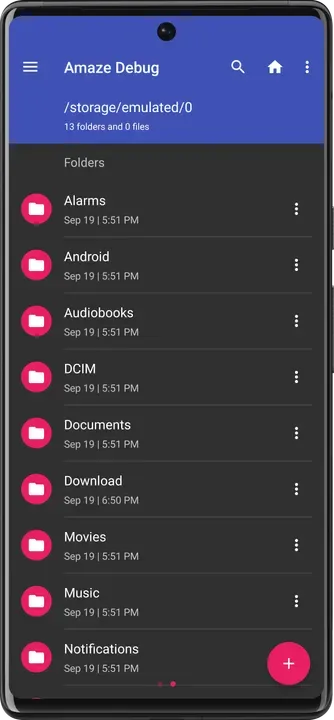
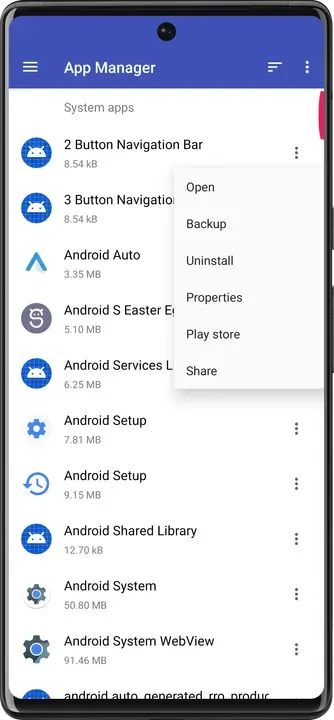
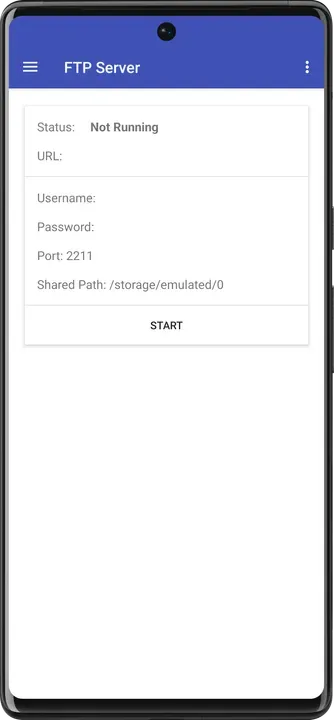
What's New in v3.11.4
- Library upgrades and SDK 36 adaptation
- Improve FTP server security
- Build & CI improvements
What is Amaze File Manager?
Amaze is a long-standing open-source file manager with a clean Material Design interface. It covers everyday tasks like copy, move and compress, and adds power-user features such as a root explorer, file encryption and access to network shares.
Key Features
- Copy, move, compress and extract files
- Multiple tabs for faster work
- Root explorer for system files
- AES encryption of files
- SMB, FTP and SFTP access plus app manager
Getting Started
Use the side drawer to jump between storage, bookmarks and network shares. The built-in app manager can also back up APKs of installed apps.
Open Source and Privacy
Amaze File Manager is developed in the open by Team Amaze and released under the GPL-3.0+ license. The code is hosted at github.com/TeamAmaze/AmazeFileManager, so anyone can check what the app does. The version on this page has no ads or tracking libraries flagged by F-Droid.
How to Install Amaze File Manager APK
- Tap Download and get the Amaze File Manager v3.11.4 APK (12 MB).
- Optional: compare the file’s SHA-256 checksum with the one on the download page.
- Open the file and allow your browser or file manager to install unknown apps if asked.
- Tap Install. Updates from the same source install over this one and keep your data, because they are signed with the same key.
Frequently Asked Questions
Is Amaze File Manager free?
Yes. Amaze File Manager is free and open-source software released under the GPL-3.0+ license. It has no ads and no paid version is required to use it.
Is this Amaze File Manager APK safe?
The APK on this page is the original file published in the F-Droid repository, unmodified. Its SHA-256 checksum is listed on the download page so you can verify it, and the full source code is public.
What Android version does Amaze File Manager need?
Amaze File Manager v3.11.4 requires Android 6.0 or newer.
Where can I find the source code of Amaze File Manager?
The source code is available at https://github.com/TeamAmaze/AmazeFileManager. You can read it, report issues or contribute there.


