
AliasVault APK v0.31.1 · Latest Version for Android
AliasVault is an open-source password manager with built-in email aliases. Create unique logins and addresses for every site, with autofill.
- Version
- 0.31.1
- Updated
- Oct 16, 2026
- Size
- 152 MB
- Requires
- Android 11+
- Developer
- Leendert de Borst
- Category
- Security
- License
- AGPL-3.0+
- Package
- net.aliasvault.app
Screenshots

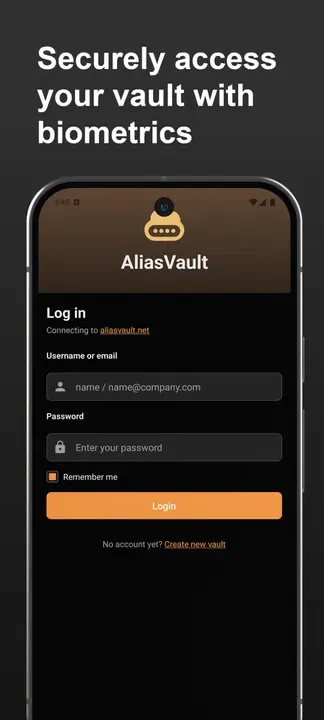
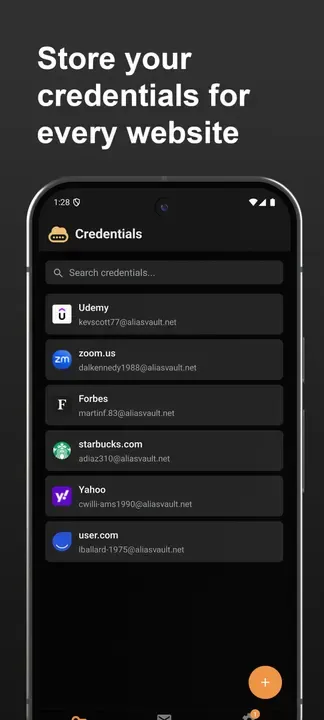
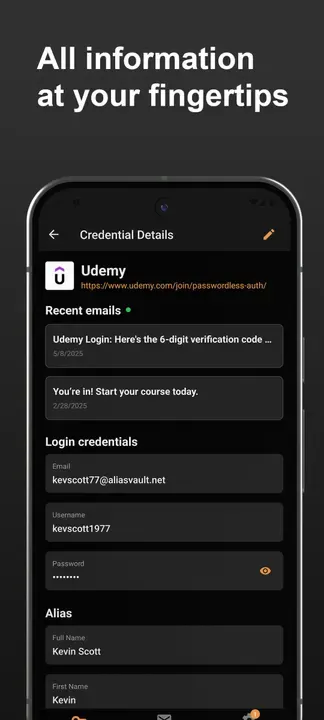
What's New in v0.31.1
- Fix potential login issues after upgrading your vault on another device.
- Added clearer Android PIN setup error messages.
- Updated translations.
What is AliasVault?
AliasVault combines a password manager with an email alias service. For each website you can generate both a strong password and a unique email address, so a data breach at one service does not expose your real inbox.
Key Features
- End-to-end encrypted password vault
- Built-in email alias generation
- Android native autofill
- Self-hostable server
- Open source under AGPL
Getting Started
Create an account on the hosted service or your own server, then enable AliasVault as the autofill service in Android settings.
Open Source and Privacy
AliasVault is developed in the open by Leendert de Borst and released under the AGPL-3.0+ license. The code is hosted at github.com/aliasvault/aliasvault, so anyone can check what the app does. The version on this page has no ads or tracking libraries flagged by F-Droid.
How to Install AliasVault APK
- Tap Download and get the AliasVault v0.31.1 APK (152 MB).
- Optional: compare the file’s SHA-256 checksum with the one on the download page.
- Open the file and allow your browser or file manager to install unknown apps if asked.
- Tap Install. Updates from the same source install over this one and keep your data, because they are signed with the same key.
Frequently Asked Questions
Is AliasVault free?
Yes. AliasVault is free and open-source software released under the AGPL-3.0+ license. It has no ads and no paid version is required to use it.
Is this AliasVault APK safe?
The APK on this page is the original file published in the F-Droid repository, unmodified. Its SHA-256 checksum is listed on the download page so you can verify it, and the full source code is public.
What Android version does AliasVault need?
AliasVault v0.31.1 requires Android 11 or newer.
Where can I find the source code of AliasVault?
The source code is available at https://github.com/aliasvault/aliasvault. You can read it, report issues or contribute there.


